Ad Mode
Get them to act.
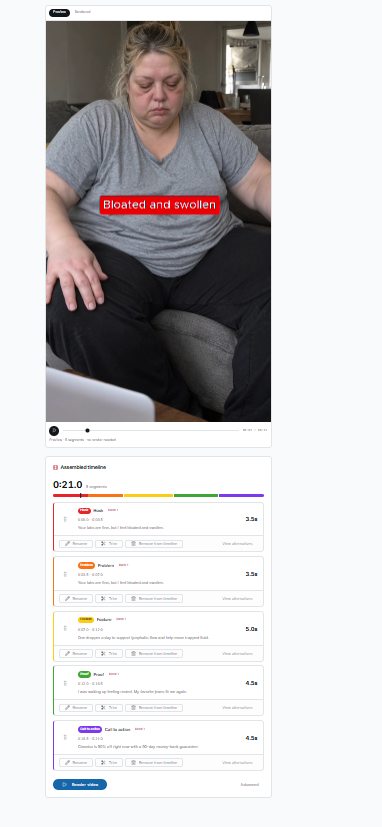
Upload every raw clip for a DTC ad. TIONS finds the strongest Hook, Problem, Feature, Proof and CTA across all of them, builds the ad, and lets you change anything.
What it's for
Performance editors starting with a pile of clips. TIONS ranks the best candidate for every part and assembles a first cut.
- HookStops the scroll.
- ProblemThe pain the viewer already feels.
- FeatureWhat the product does about it.
- ProofResults, reviews, demonstrations.
- CTAThe one action to take, locked to last by default.
Features
What you get.
How to use it
Five steps.
- 01Create a project
- 02Upload clips
- 03Choose beats, order and format
- 04Review the auto-selected edit
- 05Render
Capabilities and limits
- 2 projects (lifetime)
- 2 renders per project
- 3 analysis re-runs per project
- Up to 10 clips, 500 MB per clip, 10 minutes of total footage
- 45-second maximum finished ad
- English footage only
Rendered videos include a TIONS watermark. XML timeline export (for Adobe Premiere Pro) has no watermark. Keep your original footage next to the XML. Footage is processed by third-party services for transcription, analysis and rendering.